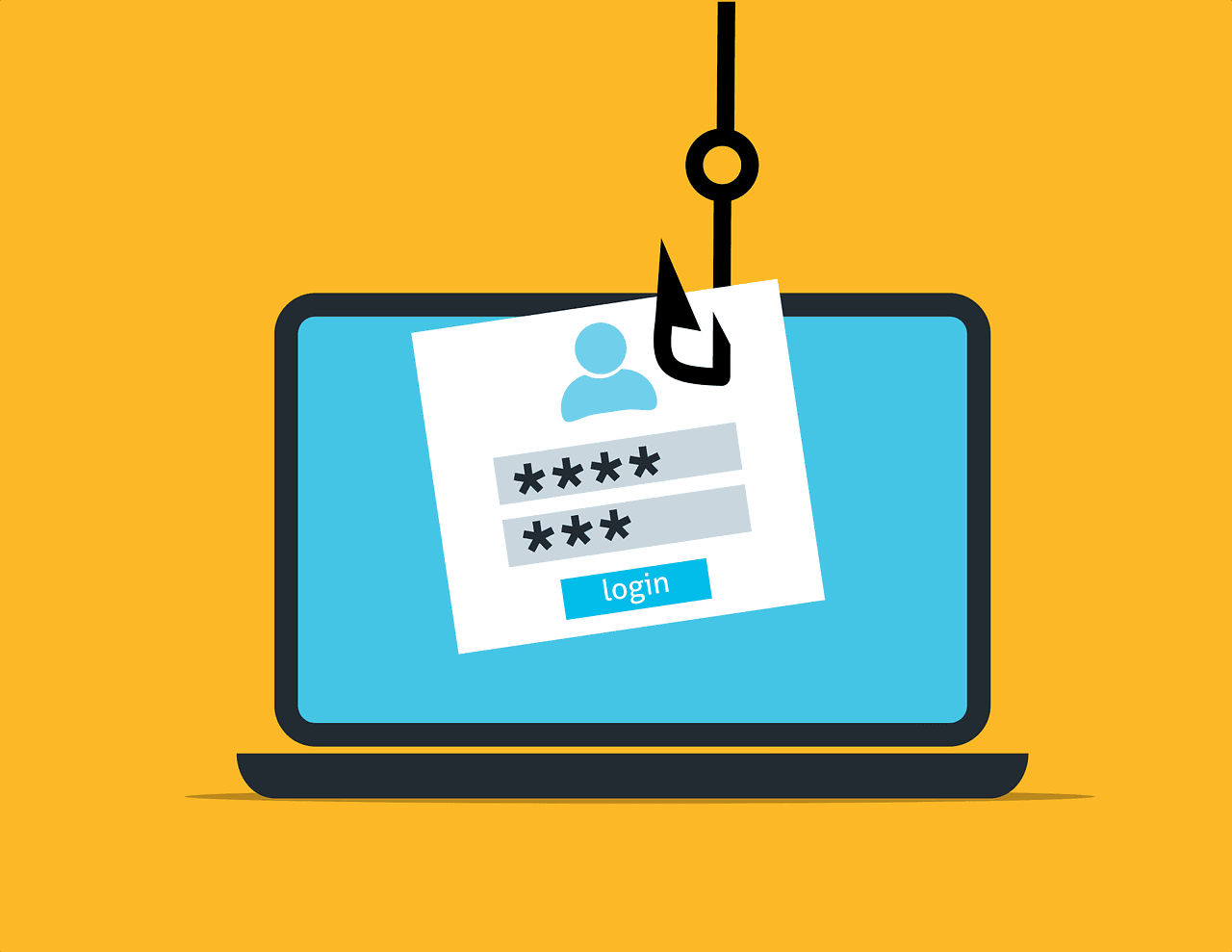
Text message scams, also known as "smishing" (SMS phishing), have become more and more sophisticated in recent years. One of the most concerning and effective tactics that scammers use is “spoofing”. This is when scammers disguise themselves as legitimate companies such as banks or services, making the text look as though it’s coming from a trusted source. Even worse, the scam message can appear in the same thread as legitimate texts from that company, making it much harder to spot.
How scammers “spoof” messages
Scammers can alter the sender ID to make it look like a text is coming from a well known company. For instance, you might receive a text claiming there’s an issue with your Revolut account, asking you to click a link or provide personal details. The dangerous part is that this message can arrive in the same thread as your real Revolut texts, making it seem even more credible.
How to spot a scam message
Here are a few signs to help identify a scam message:
Unexpected links: If you didn’t request any information, be wary of any links in the message.
Urgent warnings: Messages that threaten account suspension or urge immediate action are often scams.
Unfamiliar language or tone: If the message uses awkward phrasing or the tone feels a little “off” for the sender, this could be a sign that it’s a scam. However, be aware that many scammers do an extremely convincing job of sounding genuine.
Requests for sensitive info: Banks and companies like Revolut will never ask for personal information such as PINs, passwords, or credit card information via text.
Staying safe from smishing scams
Don’t click links: Always avoid clicking on links from unsolicited texts. Instead, log in directly through the official app or website to verify if there’s an issue.
Verify the message: Contact the company using trusted channels (like their official app or website) to confirm if the message is real.
Enable two-factor authentication: This adds an extra layer of security to your accounts.
Report the Scam: Forward suspicious texts to 7726, the UK’s free reporting service. You can also report phishing messages to Action Fraud.
Use Ask Silver for scam detection
If you’re unsure whether a text is a scam, Ask Silver can help. With a simple WhatsApp message, you can have Ask Silver check whether a text looks legitimate and even report it to the relevant authorities if needed.
By following these steps and staying vigilant, you can protect yourself from text message scams and keep your personal information safe. Remember, if something doesn’t seem right, always take the time to verify it through official channels.
Cover image designed by pch.vector / Freepik